matplotlib.figure.Figure.autofmt_xdate#
- Figure.autofmt_xdate(bottom=0.2, rotation=30, ha='right', which='major')[源代码]#
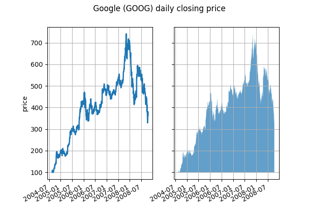
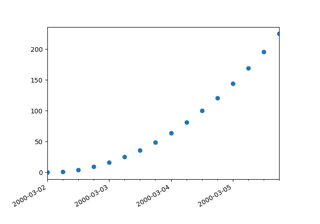
日期刻度标签经常重叠,因此旋转它们并右对齐它们是有用的。此外,一个常见的用例是具有共享x轴的多个子图,其中x轴是日期数据。刻度标签通常很长,因此在底部子图上旋转它们并在其他子图上关闭它们,以及关闭x标签,会有所帮助。
- 参数:
- 底部float, 默认值: 0.2
subplots_adjust的子图底部。- 旋转浮动,默认:30度
xtick 标签的旋转角度,单位为度。
- 哈哈{'left', 'center', 'right'}, 默认: 'right'
xticklabels 的水平对齐方式。
- 哪个{'major', 'minor', 'both'}, 默认: 'major'
选择要旋转的刻度标签。