mpl_toolkits.axes_grid1.axes_divider.AxesDivider#
- class mpl_toolkits.axes_grid1.axes_divider.AxesDivider(axes, xref=None, yref=None)[源代码][源代码]#
基类:
Divider基于预先存在的轴的分隔器。
- 参数:
- axes
Axes - xref
- yref
- axes
- append_axes(position, size, pad=None, *, axes_class=None, **kwargs)[源代码][源代码]#
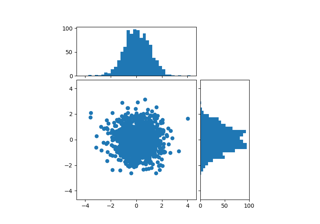
在主轴的指定侧添加一个新的轴。
- 参数:
- 位置{"左侧", "右侧", "底部", "顶部"}
新轴相对于主轴的位置。
- size :
axes_size或 float 或 straxes_size 或 float 或 str 轴的宽度或高度。浮点数或字符串参数被解释为
axes_size.from_any(size, AxesX(<main_axes>))用于左轴或右轴,同样地,底部或顶部轴使用AxesY。- pad :
axes_size或浮点数或字符串axes_size 或 float 或 str 轴之间的填充。浮点数或字符串参数的解释方式与 size 相同。默认为
rcParams["figure.subplot.wspace"](default:0.2) 乘以主 Axes 宽度(左轴或右轴)或rcParams["figure.subplot.hspace"](default:0.2) 乘以主 Axes 高度(底轴或顶轴)。- axes_class :
Axes的子类类型, 可选子类类型 新轴的类型。默认为主轴的类型。
- **kwargs
所有额外的关键字参数都会传递给创建的轴。